

starting your journey faster, simpler, and smarter.
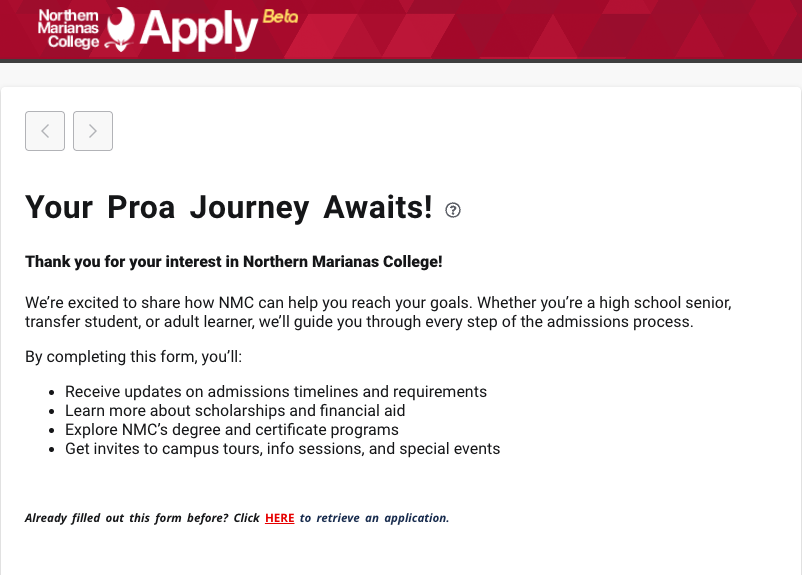
shouldn’t be stressful.
Apply was designed to make your first step into college simple, seamless, and stress-free.
Apply walks you through each section clearly, helping you complete your application with ease and confidence.
Your progress is saved automatically so you can pick up right where you left off — on any device.
Whether on your phone, tablet, or laptop, Apply is built to work beautifully everywhere.
From first-time students to transfers, Apply adapts to your journey for a tailored experience.
Apply keeps your personal data safe with trusted, enterprise-level security.
Once you’re admitted, your Apply account connects directly to the Proa Portal for registration, classes, and more.

Share a few details to let us know you’re interested. Once submitted, you’ll receive an email with a direct link to your application.
Make sure to use an email address you can access. This will be your key to completing your admissions application.
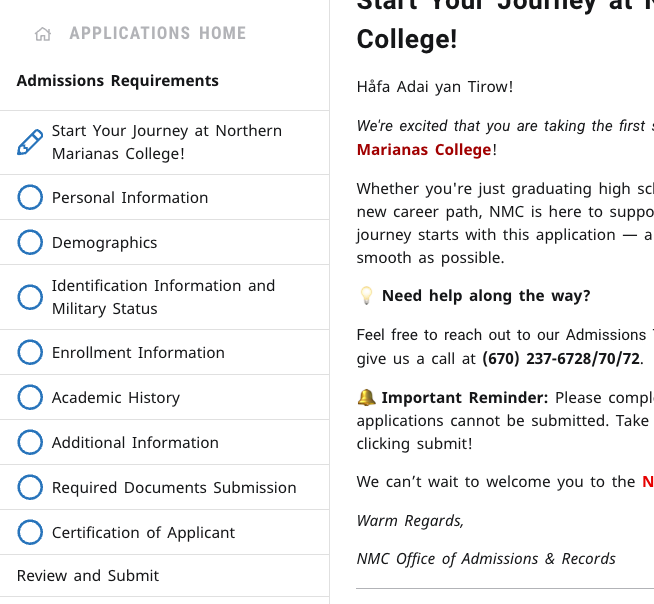
After you receive your Admissions Application link, provide your personal and academic information so we can get to know you better.
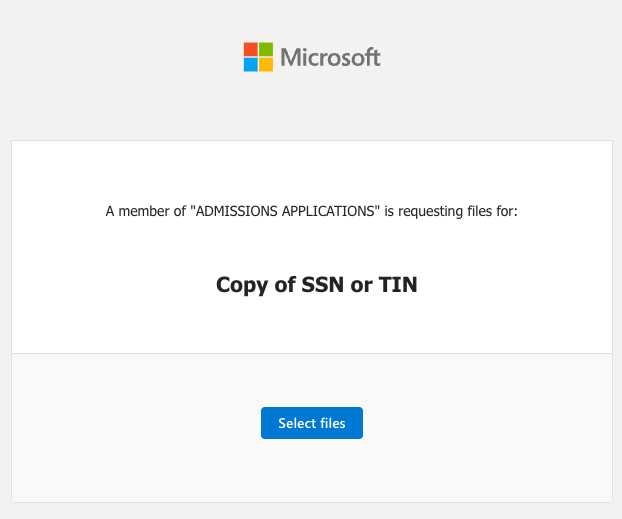
Upload your transcripts, IDs, and any other required files securely through the Microsoft Onedrive Portal.
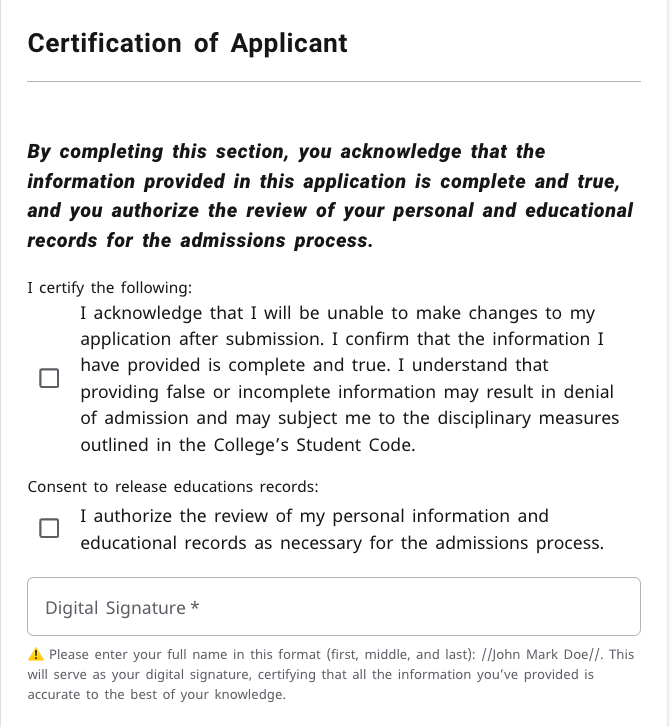
Make sure everything looks right, then submit your application to officially begin your NMC journey.
General Admission Requirements
Please review the list below carefully. We recommend preparing all your documents before starting your application.
You will be asked upload these documents in the Apply portal.
Official Transcript(s) with Graduation Date (From your high school and/or college, if applicable)
Who Needs to Submit?
- New Students
- Transfer Students
- Early Admission Students
- NOT Required for Returning Students (unless you are transferring college credits from another school to NMC)
How to Submit?
- Best & Fastest Option: Ask your school to email your transcript directly to This email address is being protected from spambots. You need JavaScript enabled to view it. or send it through a secure online service.
- If Email Is Not Possible: Your former school must mail it to: P.O. Box 501250, Saipan, MP 96950
- Last Option: Hand-deliver the physical transcript in its sealed envelope to the Office of Admissions & Records (OAR) at the NMC main campus.
Completed Health Evaluation Form
Click HERE to download the blank form
Who Needs to Submit?
- Applicants 41 years old or younger must submit a Negative TB Skin Test result taken within the last 2 years before the semester you plan to start.
- Applicants with a Positive (Latent) TB Skin Test result may still be accepted if: The test was taken within 1 year before the semester you plan to start, AND You include a Chest X-Ray result and a Doctor’s clearance for school within the NMC health evaluation form.
- NOT Required for applicants 42 years old or older
Copy of a Valid Government-Issued ID
Acceptable forms of ID include:
- Passport
- Driver’s License
- Mayor’s ID
Frequently Asked Questions
I was a former student. Do I still need to complete an Admissions Application?
Yes. According to NMC policy, students who have been away for more than two semesters are considered Readmit Students and must complete a new Admissions Application.
I have submitted an application before but didn't finish it, how can I retrieve it?
You can retrieve your previously started application here. Use the same email address you used to create your account.
Quick Contacts
Office of Admissions and Records
This email address is being protected from spambots. You need JavaScript enabled to view it.
Admissions Support
Baby Angel Pena
Admissions Counselor
Tel.: (670) 237-6769
This email address is being protected from spambots. You need JavaScript enabled to view it.Carla Sablan
Enrollment Specialist
Tel.: (670) 237-6772
This email address is being protected from spambots. You need JavaScript enabled to view it.